PLC troubleshooting is one of the most important skills for an automation engineer. In real industrial environments, a machine may suddenly stop because of a sensor fault, wiring problem, communication error, PLC logic issue, or incorrect configuration. Knowing how to identify and solve these problems quickly can reduce downtime and improve machine performance.
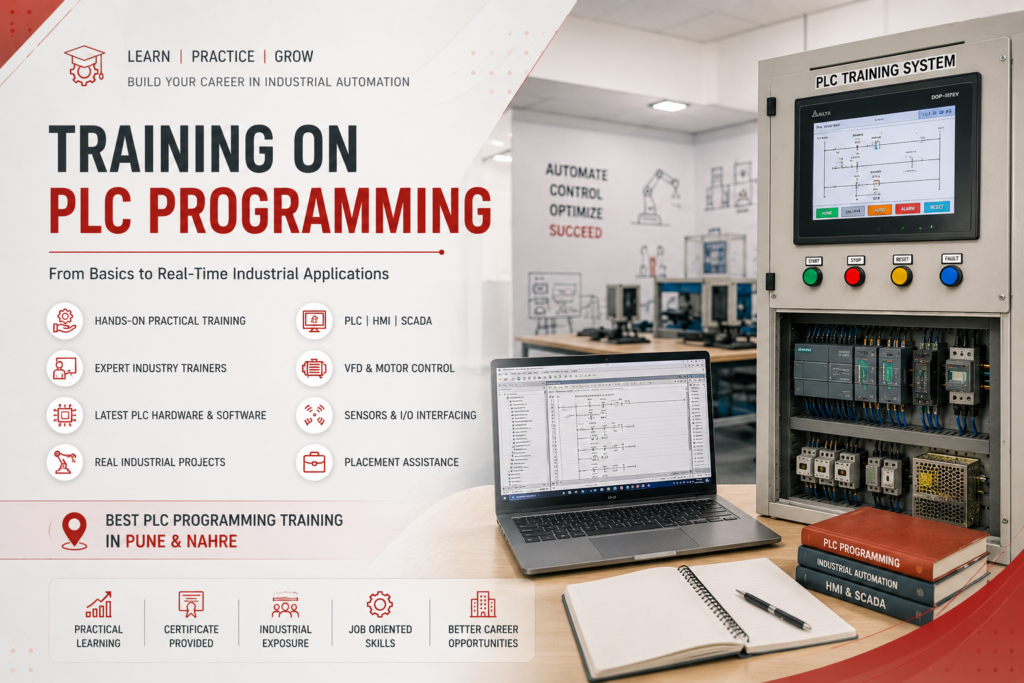
For engineers and students looking for best PLC programming Pune training, practical troubleshooting experience is just as important as learning PLC programming concepts.
1. Understand PLC Inputs and Outputs
A good automation engineer should know how to check:
- Digital Inputs (DI)
- Digital Outputs (DO)
- Analog Inputs (AI)
- Analog Outputs (AO)
- Sensors and switches
- Relays and contactors
- Solenoid valves
- Motors and drives
Before changing PLC logic, always verify whether the actual field device is working correctly.
2. Check PLC Input Status
When a sensor is not responding, first check whether its signal is reaching the PLC.
For example:
Sensor → Terminal → PLC Input → PLC Program
If the physical sensor is ON but the PLC input LED is OFF, the problem may be related to wiring, power supply, sensor configuration, or the input module.
3. Troubleshoot PLC Outputs
If the PLC output is ON but the motor, valve, or actuator does not operate, check:
- Output module
- Relay/contactor
- Control voltage
- Fuse/MCB
- Wiring
- Overload relay
- Motor or actuator
- Emergency-stop circuit
This helps determine whether the problem is in the PLC program or electrical system.
4. Read Ladder Logic Properly
Ladder logic troubleshooting is an essential PLC programming skill. Engineers should be able to follow:
Input → Logic Conditions → Interlocks → Timer/Counter → Output
Check which condition is preventing the output from turning ON instead of immediately modifying the program.
5. Understand Timers and Counters
Timers and counters are frequently used in industrial automation.
Common troubleshooting problems include:
- Incorrect preset value
- Timer not starting
- Timer continuously resetting
- Counter not incrementing
- Wrong reset condition
- Incorrect timer/counter address
Understanding how these instructions work makes troubleshooting much faster.
6. Check PLC Communication
Modern automation systems commonly use PLC communication with HMI, SCADA, VFDs, remote I/O, and other controllers.
Engineers should understand basic troubleshooting of:
- Ethernet
- Modbus
- RS-232/RS-485
- Profinet
- Profibus
- Ethernet/IP
Always check communication status, IP addresses, cables, network configuration, and device diagnostics.
7. Troubleshoot HMI and SCADA Problems
Sometimes the PLC is working correctly but the HMI or SCADA screen shows incorrect information.
Check:
- PLC tag/address
- HMI tag mapping
- Communication status
- Data type
- Scaling
- Alarm configuration
- PLC/HMI connection
This is an important skill for engineers working with PLC, HMI and SCADA automation systems.
8. Understand VFD and Motor Faults
PLC troubleshooting often involves motor control systems. If a PLC sends a RUN command but the motor does not start, check the VFD separately.
Look for:
- Drive fault codes
- Run command
- Speed reference
- Enable signal
- Overload
- Motor wiring
- Emergency-stop/interlock conditions
An automation engineer should understand the complete chain from PLC → VFD → Motor.
9. Use PLC Diagnostic Tools
Modern PLC software provides diagnostic information that can significantly reduce troubleshooting time.
Learn how to use:
- Online monitoring
- PLC diagnostics
- Fault history
- Watch/monitor tables
- Force functions
- Cross-reference
- I/O status
- Communication diagnostics
These tools are especially valuable during machine breakdowns.
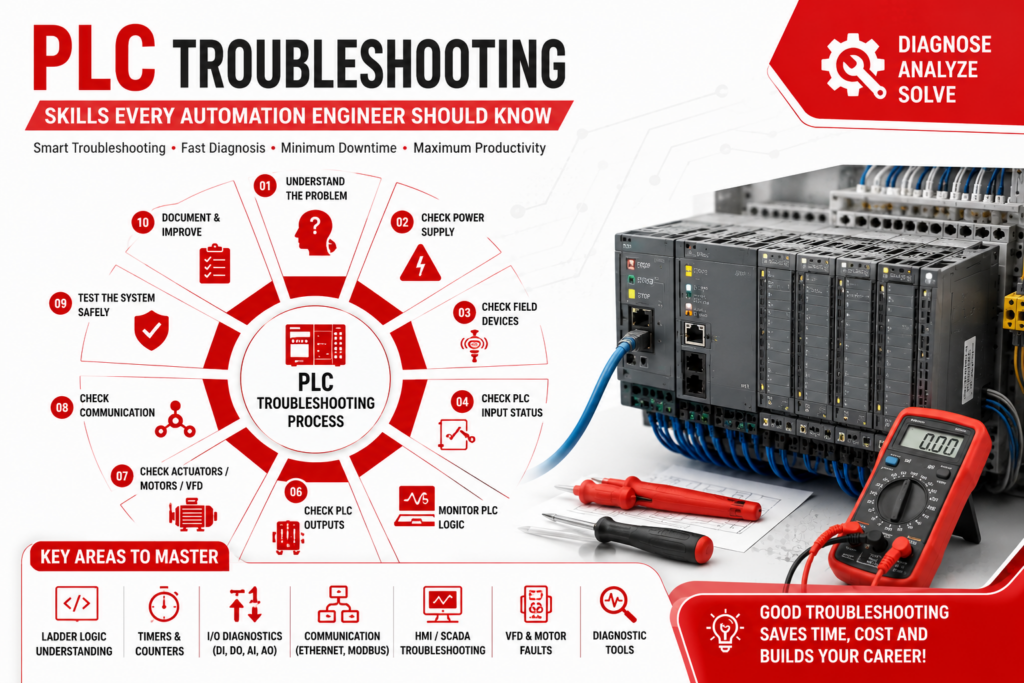
10. Follow a Systematic Troubleshooting Method
Avoid randomly changing PLC logic. Follow a structured process:
Step 1: Understand the machine sequence
Step 2: Identify the exact problem
Step 3: Check power supply
Step 4: Check field devices
Step 5: Check PLC inputs
Step 6: Monitor PLC logic
Step 7: Check PLC outputs
Step 8: Check actuator/VFD
Step 9: Check communication
Step 10: Test the machine safely
This approach helps reduce machine downtime and prevents unnecessary program changes.
Why Practical PLC Troubleshooting Training Matters
Learning PLC programming only through theory is not enough for an automation career. Engineers should practice troubleshooting with real PLC panels, sensors, motors, VFDs, HMIs, and industrial control systems.
For students and working professionals searching for best PLC programming Pune and best PLC programming Nahre training, choose practical training that includes PLC programming, electrical troubleshooting, HMI/SCADA, VFDs, industrial sensors, and real-time automation projects.
Conclusion
PLC troubleshooting is a combination of PLC programming knowledge, electrical understanding, automation concepts, logical thinking, and practical experience. An engineer who can quickly identify whether a fault is related to the PLC, wiring, sensor, communication network, VFD, or machine sequence becomes much more valuable in the industry.
#PLCProgramming #PLCTroubleshooting #BestPLCProgrammingPune #BestPLCProgrammingNahre #PLCTrainingPune #IndustrialAutomation #AutomationEngineer #PLCProgrammingTraining #SCADA #HMI #VFD #IndustrialAutomationTraining #PLCEngineer #AutomationTraining